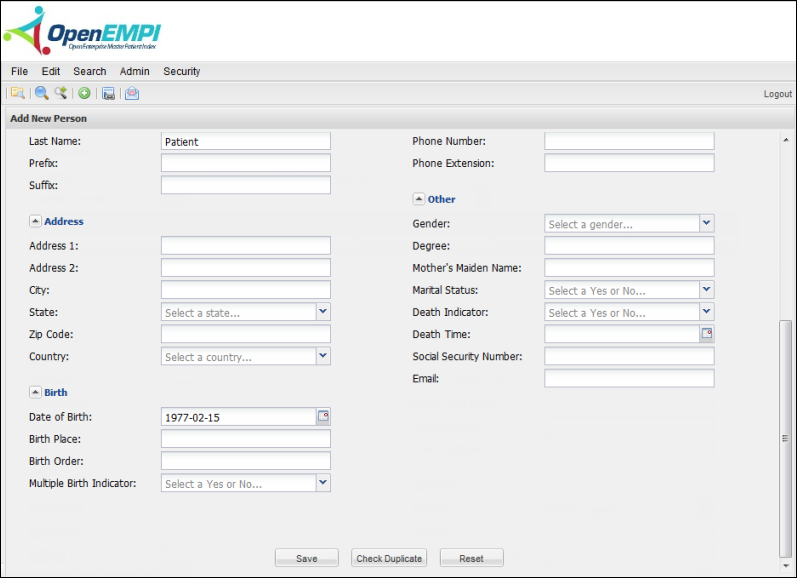
Use the Add Person feature to add a new Person record.
To add a person
- Log in to OpenEMPI.
- Open the Add New Person page:
- Select Edit > Add Person from the menu bar, or
- Click the Add Person icon on the toolbar.
- Add person identifiers and enter person information to the data fields on the panel for the new person.
- Click Save.