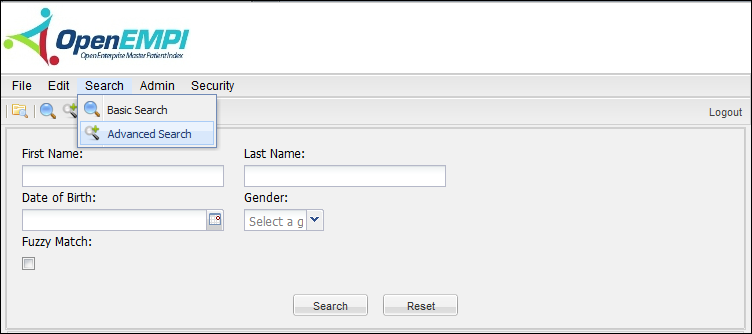
The Advanced Search feature enables you to search the existing persons in the database by the search criteria which includes the first name, last name, date of birth and gender.
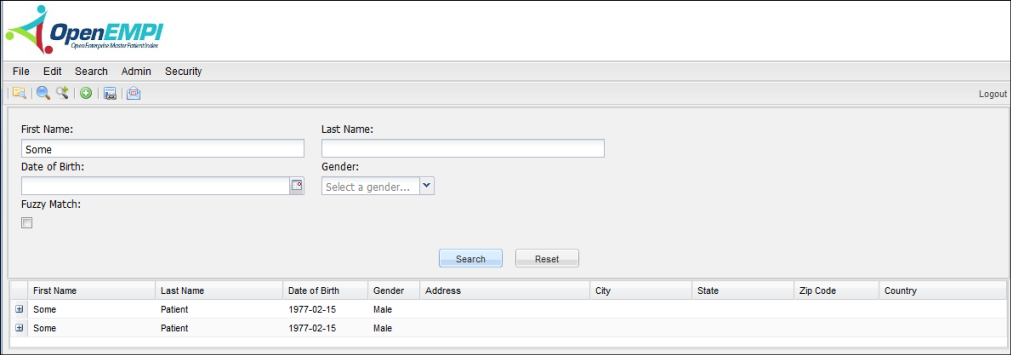
To view the persons for the specific search criteria by entering the search data to the search field then click the Search button. The persons that meet the search criteria will be displayed in the list grid.
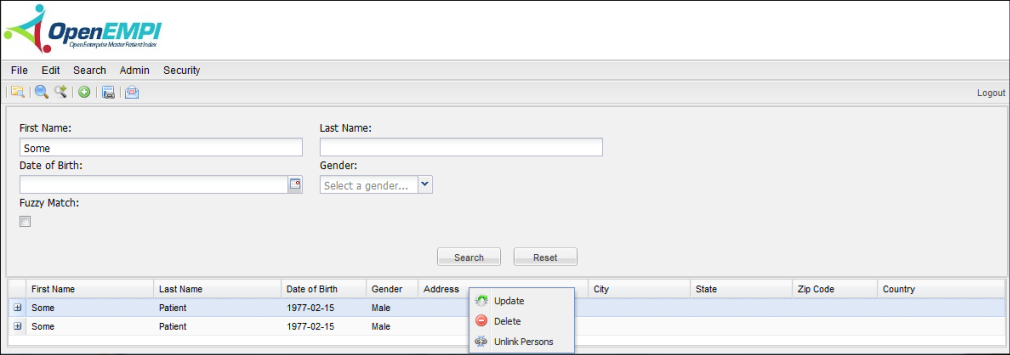
By right clicking the selected person in the list grid, a pop up menu displayed to provide the commands to update the detail person information, to delete the selected person or to unlink persons for the selected person.