The User Profile window is where you can view and maintain your login information.
Note
Users can modify only their own profile information.
To edit a user profile
-
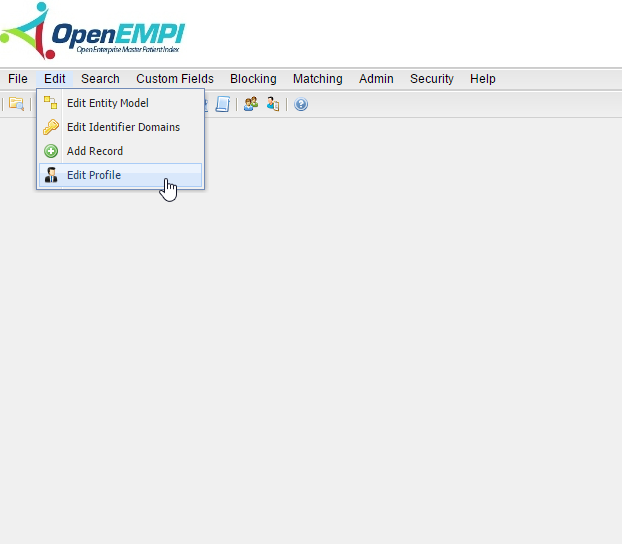
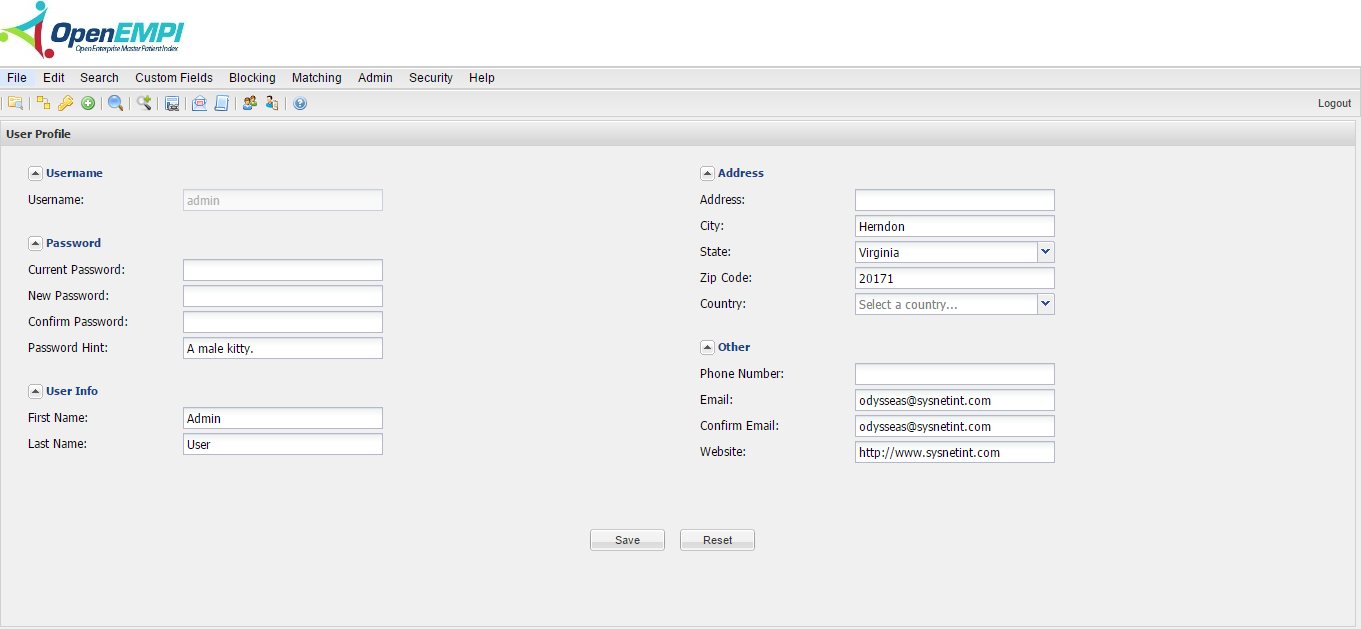
Log in to OpenEMPI and select Edit > Edit Profile from the menu. The User Profile page is displayed, as shown in the following image:
-
Modify the user information in the data fields.
-
Click Save.