Editing Identifier Domains
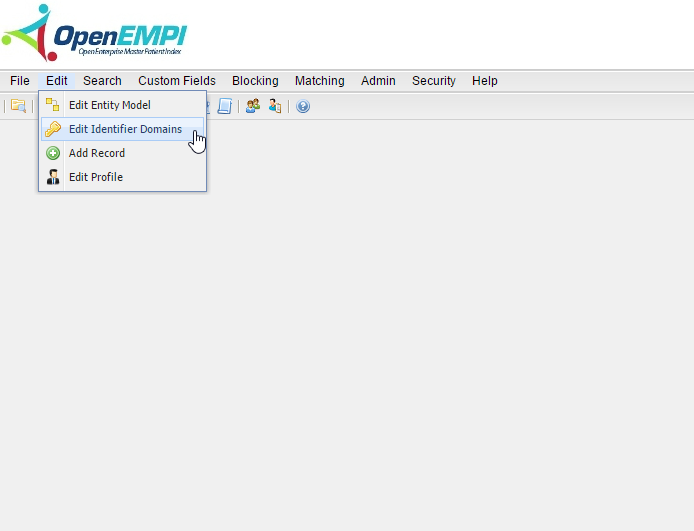
To access the Manage Identifier Domain tool: Edit > Edit Identifier Domains. The Manage Identifier Domain tool allows you to Add, Edit, and Remove Identifier Domains as illustrated in the image below.
Add Identifier Domain
To add an Identifier Domain, first select Add Identifier Domain from the Manage Identifier Domains tool, which will open the Add Identifier Domain function depicted below.
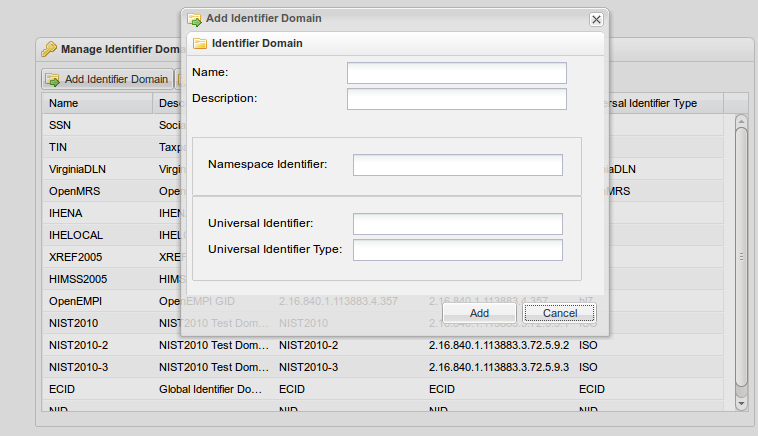
Next give your Identifier Domain a name and description.
Edit Identifier Domain
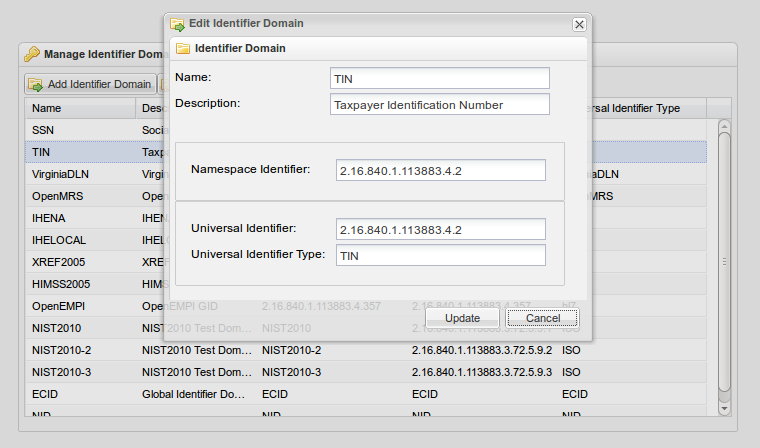
The Edit Identifier Domain tool allows you to edit previously added identifier domains. To use this function, first select the identifier domain you would like to modify by left-clicking on it. Then select the Edit Identifier Domain option from the Manage Identifier Domain box.
Remove Identifier Domain
The Remove Identifier Domain tool allows you to remove previously added identifier domains. To use this function, first select the identifier domain you would like to remove by left-clicking on it. Then select the Remove Identifier Domain option from the Manage Identifier Domain box. This will open the following window:
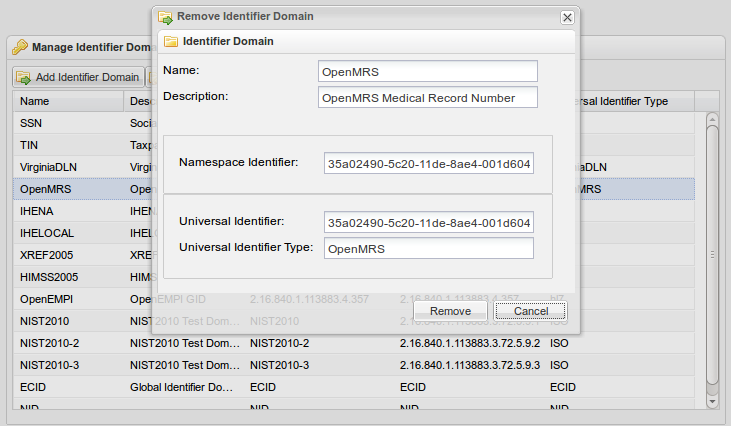
Select remove to delete the selected Identifier Domain from the Manage Identifier Domain tool.