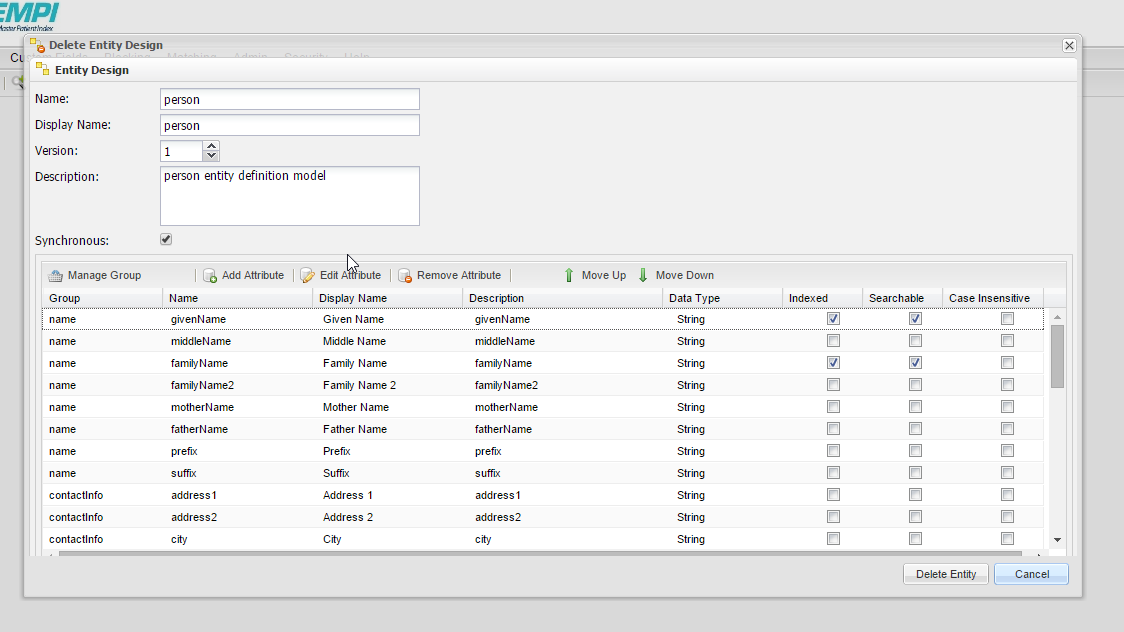
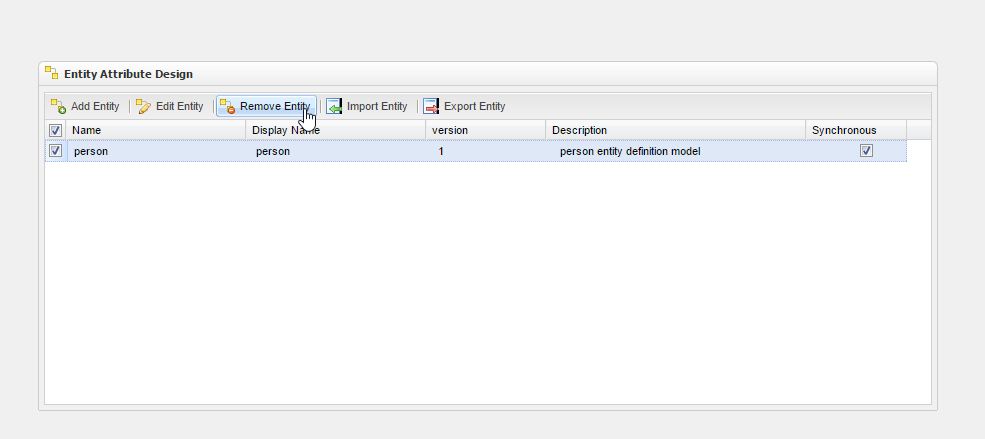
In order to remove an entity, you must select the Remove Entity button. After selecting it, the Entity Design module will appear. This is shown in the images below.
After you confirm that you have selected the correct entity for deletion, press the Delete Entity button to delete it.